
Last Updated on June 22, 2026 by AMH
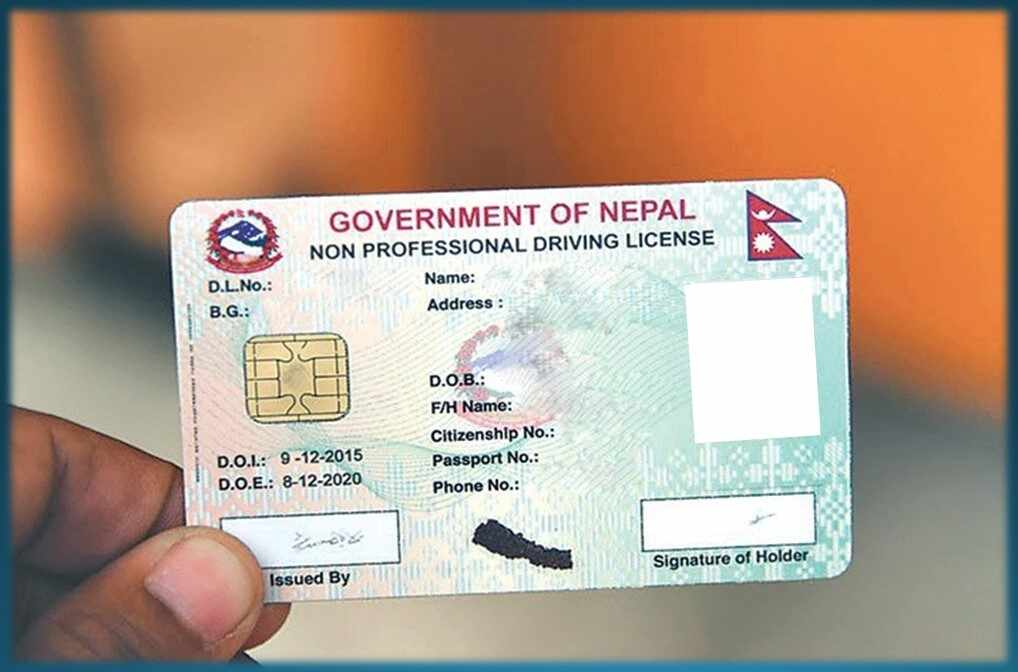
Many things are moving towards being digital. We have started to pay the bills through the internet. Also, we apply for a job or college online. Likewise, people can now fill a form for driving license online.

Here is a Step by step process of how to fill up the driving license form online.

Step 1: go to the official website of Transportation Management Nepal. There you can find an option of the “online driving license system”
Step 2: Click on that Option. You will be in page that looks some thing like this:

Step 3: Click on the “Online Driving License Registration”. After that you will see something like this

Step 4: Give your citizenship details and click on proceed. Then you will see some categories you have to fill. Please fill up all the real details in all form.

Step 5: After fill up the details scroll down. You can see a section asking for which vehicle you want a license. Select the option that fits your requirement. Also, selected the zone and license office.

Step 6: Just below you can see a captcha. Type the give captcha and press submit.
Also,if you have Any Queries about Online Driving License in Nepal? You can ask here.